
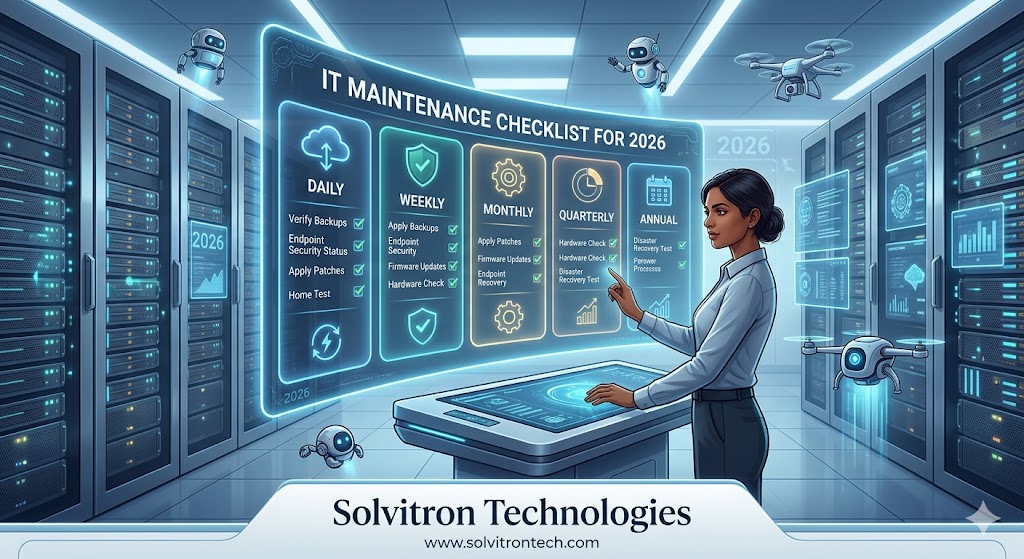
List of Essential IT Maintenance Tasks for 2026
Preventive IT maintenance is the difference between a business that hums along efficiently and one that lurches from crisis to crisis. Just like a car needs regular servicing, your IT infrastructure requires consistent attention to perform reliably. This checklist covers the essential maintenance tasks every Indian SMB should complete in 2026.
Daily IT Maintenance Tasks
These tasks should happen automatically or be reviewed every working day.
- Verify that overnight backups completed successfully and no errors were logged.
- Check monitoring dashboards for alerts related to server health, network performance, or security events.
- Review failed login attempts and unusual access patterns in your security logs.
- Confirm that antivirus definitions updated overnight.
Weekly IT Maintenance Tasks
- Apply any pending operating system and application security patches. In 2026, patch cycles are faster than ever — do not let them queue up.
- Review disk space usage on servers and workstations. Alert thresholds should trigger at 80% capacity.
- Test at least one backup restoration to confirm data integrity.
- Clear temporary files, browser caches, and update software licences approaching expiry.
- Audit active user accounts and disable any that belong to former staff.
Monthly IT Maintenance Tasks
- Run a full vulnerability scan across your network using a tool like Nessus or OpenVAS.
- Review firewall rules and remove any that are outdated or unnecessarily permissive.
- Update firmware on routers, switches, and access points.
- Inspect physical hardware for dust accumulation, particularly in server rooms or network closets. Overheating is a leading cause of hardware failure.
- Review IT asset inventory and update records for any new purchases or disposals.
- Check SSL certificate expiry dates on your website and internal services.
Quarterly IT Maintenance Tasks
- Conduct a full IT security audit covering endpoints, network, user access, and software licences.
- Review and update your incident response plan.
- Test your disaster recovery plan end-to-end, including restoration from offsite backup.
- Hold a cybersecurity awareness refresher for all staff.
- Assess hardware performance — identify machines that are due for upgrade to avoid productivity loss.
- Review your managed IT service plan with your provider. Solvitron Technologies conducts structured quarterly reviews for all CareShield™ AMC clients.
Annual IT Maintenance Tasks
- Conduct a full technology refresh assessment. Identify hardware over three to five years old that may need replacement in the coming year.
- Review all software licences for compliance and renewal requirements.
- Update your IT policy documentation, including acceptable use, data retention, and remote access policies.
- Evaluate your current IT provider and service levels against your evolving business needs.
Why Proactive Maintenance Pays Off
Businesses that invest in proactive IT maintenance spend significantly less on emergency repairs and experience far less downtime than those that operate reactively. Solvitron Technologies offers fully managed IT maintenance under its CareShield™ AMC, handling all routine tasks remotely so your team can focus on the business.
Ready to get started? Visit solvitrontech.com or contact Solvitron Technologies today.
Need Expert Help With This?
Our certified engineers are available 24/7 to implement every step in this guide on your system — remotely and securely.